Panasonic OMNIVISION PV-S4670 User Manual
Browse online or download User Manual for Video recorders Panasonic OMNIVISION PV-S4670. Panasonic OMNIVISION PV-S4670 User Manual
- Page / 36
- Table of contents
- BOOKMARKS

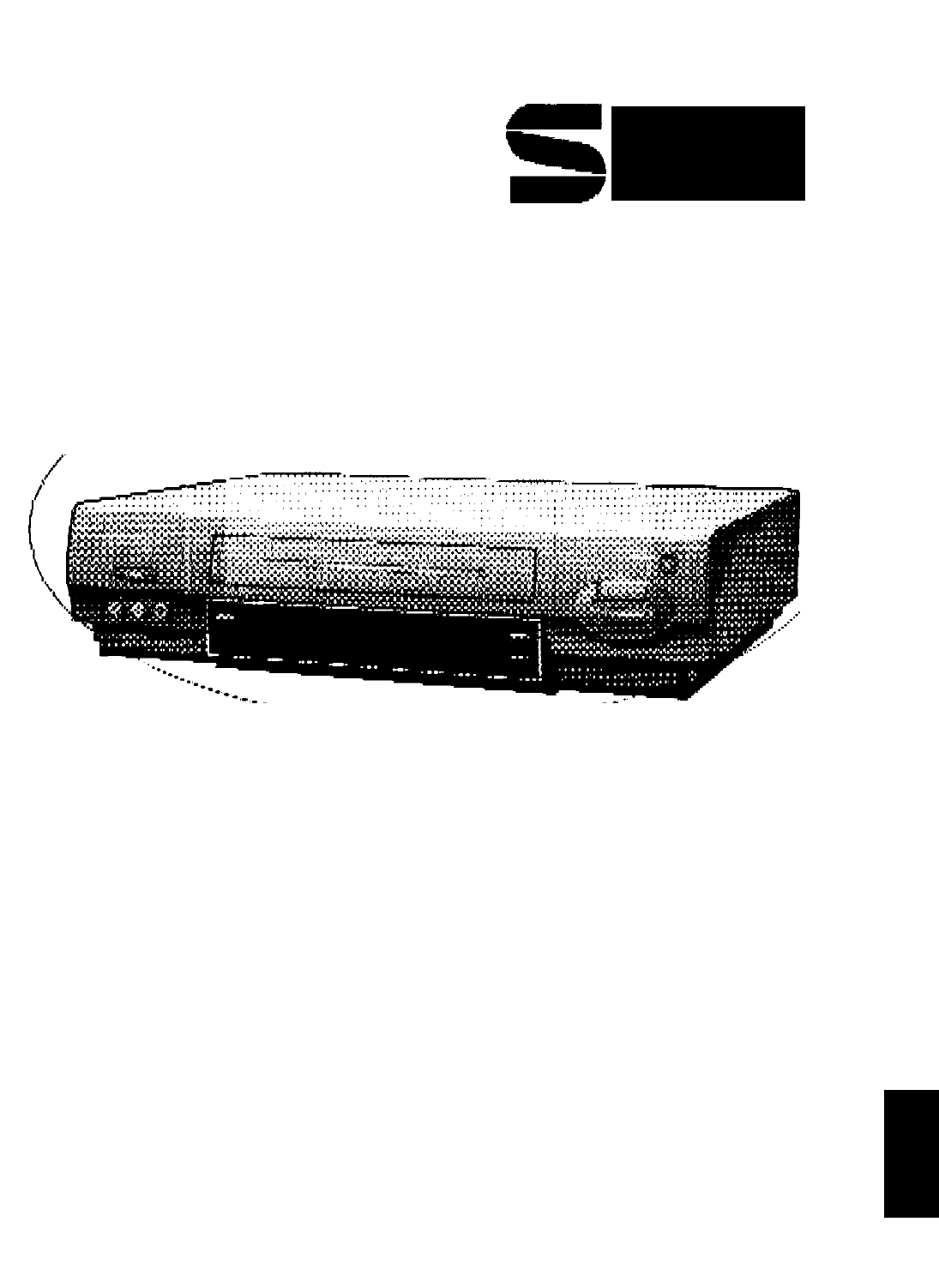
- Panasonic 1
- Things You Should Know 2
- I INTRODUCTION 3
- Unpacking Your VCR 4
- Product Features 4
- VCR and Cassette Information 5
- Basic Connection 6
- Between Antenna and VCR 7
- Between VCR and TV 7
- Additional Connections 8
- CATV(Cable) Connections 8
- Audio/Video Connections 9
- Stereo Ampiifier Connections 9
- One Time VCR Setup 10
- Cable Box 11
- 12/25/1996 WED 12:00PM 13
- If the Auto Clock Set 13
- If AUTO CLOCK SET 13
- INCOMPLETE appears 13
- 30Stt52nil 15
- Q OiiScreenDis£la^s_(OSD) 16
- Playback a Tape 17
- Repeat Play 18
- One Minute Skip 18
- Zero Search 18
- Record On a Tape 19
- Timer Recording 20
- ^^3 Using VCR Buttons 21
- CopyingYDurjkges^^ 22
- Super (S) VHS System 23
- Receivable Broadcast Types 24
- Spatializer Feature 25
- VCR Plus+ Set Up 26
- VCR Plus+ Programming 27
- Д 28
- Multi-Brand Control Feature 29
- BefbreJRequestii^^ 30
- SELECT LANGUAGE 31
- 12/25/1996 MIE 12:00PM 32
- FIJACION А1Я0. (CA/RELOJ) 32
- 12/25/1996 MIE 12:OOPM 32
- Operaciones básicas para la 33
- Fijación manual del reloj 33
- Grabación de un toque (OTR) 34
- Oprimir STOP para 34
- Index of Controls 35
- Multi Function Display 35
- Rear View of the VCR 35
- Remote Control Button 36
- Front View of the VCR 36
Summary of Contents
Thank you for choosingPanasonicOmnivlBianvmMODEL PV-S4670Video Cassette RecorderVCRw/Ciiht#(t-^ChjinrvAl Chfmg^r.«éUOperatingInstructionsl'AAd ih
One Time VCR SetupThe setup on pages 12 through 14 is vital for proper VCR operation.Please read the instructions carefully and in the order presented
Cable Box/ DSS Receiver Code Number ListIf your cable box or DSS receiver is remote controllable, refer to this list during setup on page 13.Cable Box
One Time VCR SetupWhen the VCR power is first turned on, the language select screen automatically appears.Follow along in the manual as you are guided
Rotate and push the WHEEL to set the Cable box or DSS receiver code number that matches your brand from the list on page 11.• This determines whether
One Time VCR SetupAlternative InstructionsComplete the following steps if, during one timesetup, any of the following applies:A You selected NO in ste
To Change On Screen Display Language1 Push MENU to display the menu.Rotate the Wheel to select the language selection item. (English: LANGUAGE, Spanis
Q OiiScreenDis£la^s_(OSD)Channel & Function DisplayWhenever the channel is changed, the Channel number will appear for a few seconds on-screen. (S
Playback a Tape1^^Check list before you begin□ All connections are made.(See pages 6-9.)□ TV and VCR are plugged in.□ TV is turned on and set to th
yN—гл Tape OperationYour VCR is equipped with several time saving features as we!! as convenient automatic functions which make tape operation easier
Record On a TapeCheck list before you begin.All connections are made.(See pages 6-9.)VCR is Plugged in.TV is turned on and set to the VCR channel (CH3
Things You Should KnowiDate of Purchase_Dealer Purchased FromDealer Address_Dealer Phone No_Model No_Serial No_PV-S4670Congratulationson your purchase
Timer RecordingYour VCR can be set up to do a recording while you are away or otherwise occupied. Up to 8 programs can be placed in memory. You can ch
Cancel a Timer Recording: Recording is in progress1 Push the VCR POWER button to release the VCR from timer mode.2 Push the STOP button within 10 se
log CopyingYDurjkges^^Connections you'll need to make.• on the editing S-VHS VCR, set the S-VHS selector to on.TV for MonitoringRecording (Editin
Super (S) VHS SystemS-VHS tape playback is superior to VHS, even when using a conventional TV. And, your S-VHS VCR can also play back
Toil pi MTS Broadcast/ VHS Hi-Fi Stereo Systemai<Check list before you beginD The VCR is connected to a stereo TV, or a mono TV and stereo amp or r
With the proper audio mode setting, your VCR can:1) record and playback an MTS stereo broadcast (main language) in stereo Hi-Fi.2) record and playba
VCR Plus+ Set UpThis setup is for VCR Ptus+ and timer programming only.VCR Plus+ programming allows you to set most items of a timer recording by simp
VCR Plus+ ProgrammingCheck list before you begin.^ The clock is set.□ One Time VCR Setup is complete.(See pages 10-14.)d VCR Plus+ Set Up is complete.
Гена., о IД| SgedalVCRFeature^Check list before you begin.All connections are made.(See pages 6~-9.)O VCR is Plugged in.□ TV is turned on and set to t
Multi-Brand Control FeatureThe Remote Control may be set up to control some of the functions on your TV or Cable Box.TV Brand Code NumbersPanasonic...
Important Safeguards and PrecautionsI INTRODUCTIONCareful attention has been given to this Video product to assure a quality standard devoted to your
BefbreJRequestii^^Check the following points once again if you are having some trouble with your VCR.PowerCorrection 1No power...• Check that the Pow
Spanish Ouick Use Guide/Guía para rápida consultaFijación del Idioma de la pantalla, fijaciones para la conexión con la caja de TV por cable y recepto
SßanisJ^2uid^Js^Guide/Gui^araj;ä^^--------- FIJAR RELOJ ------------FIJAR EL CANAL PBS DE TV POR CABLE DE SU LOCALELEGIR rGlRE LA RUEDA PROCEDER
Si la hora y la hora veraniega es incorrecta, por favor siga los siguientes pasos:Raras veces, en caso de que ud. vive cerca de dos zonas con hora dif
Spanish Quick Use Guide/Guia para rápida consultaOperaciones básicas para la grabaciónProgramación fácil para la grabación con temporizadorIntroduc
Index of ControlsMulti Function DisplayVCR IndicatorAppears when the VCR/TV selector is set to VCR.Power IndicatorThis indicator lightswhen power i
Index of ControlsRemote Control ButtonVCR/rVSee pages 12, 19, 22.PLAYSee pages 17, 22.ZERO SEARCH/1 MINUTE SKIPSee page 18.CATV CHANNEL UP/DOWNSee pag
Unpacking Your VCR and FeaturesUnpacking Your VCRThe accessories shown below are provided to help you use or set up your VCR.Optional accessories are
VCR and Cassette InformationErase Protection (Record Tab)Cassettes have a record tab to ensure that recordings are not accidentally erased.To preven
Basic ConnectionragiiagigRiorCable TVorDisconnect the antenna or cablefrom your TV and connect it to the VCR (IN FROM ANT.)Antenna Cable( VCR )RF Coax
Between Antenna and VCRBetween VCR and TVCase 1: Twin Lead Cable Only(Flat) Twin Lead 300 Ohm CableTo VCR Terminal300-75 ohm Transformer {not sup
Additional ConnectionsCATV(Cable) ConnectionsAll connections on this page are made with 75 Ohm coaxiai cabies.Without a Converter/Descrambler BoxYou c
r With a DSS ReceiverYou can;1) Record and view any channel including scrambled channels; channel selection must be made at the DSS Receiver.
Related products and manuals for Video recorders Panasonic OMNIVISION PV-S4670
 (16 pages)
 (56 pages)
© 2020, manymanuals.com. All rights reserved. | 0.048 s |
 Manymanuals.com
 Manymanuals.de
 Manymanuals.fr
 Manymanuals.it
 Manymanuals.pl
 Manymanuals.cz
 Manymanuals.es
 Manymanuals-pt.com
Comments to this Manuals