Panasonic OMNIVISION PV-V4611 User Manual Page 14
- Page / 38
- Table of contents
- BOOKMARKS

- Panasonic 1
- ____________________________ 2
- Safety Precautions 3
- □ Battery replacement caution 4
- Table of Contents 5
- Remote control Buttons 6
- Front View of the VCR 6
- Multi Function Display 7
- Rear View of the VCR 7
- Manual Clock Set 9
- How to Connect 10
- How to do Initial Setup 10
- CH.i\!JNEU CLOCK AUTO SET 11
- ■ Language 12
- ■ Channels 12
- VCR’s Output Channel 13
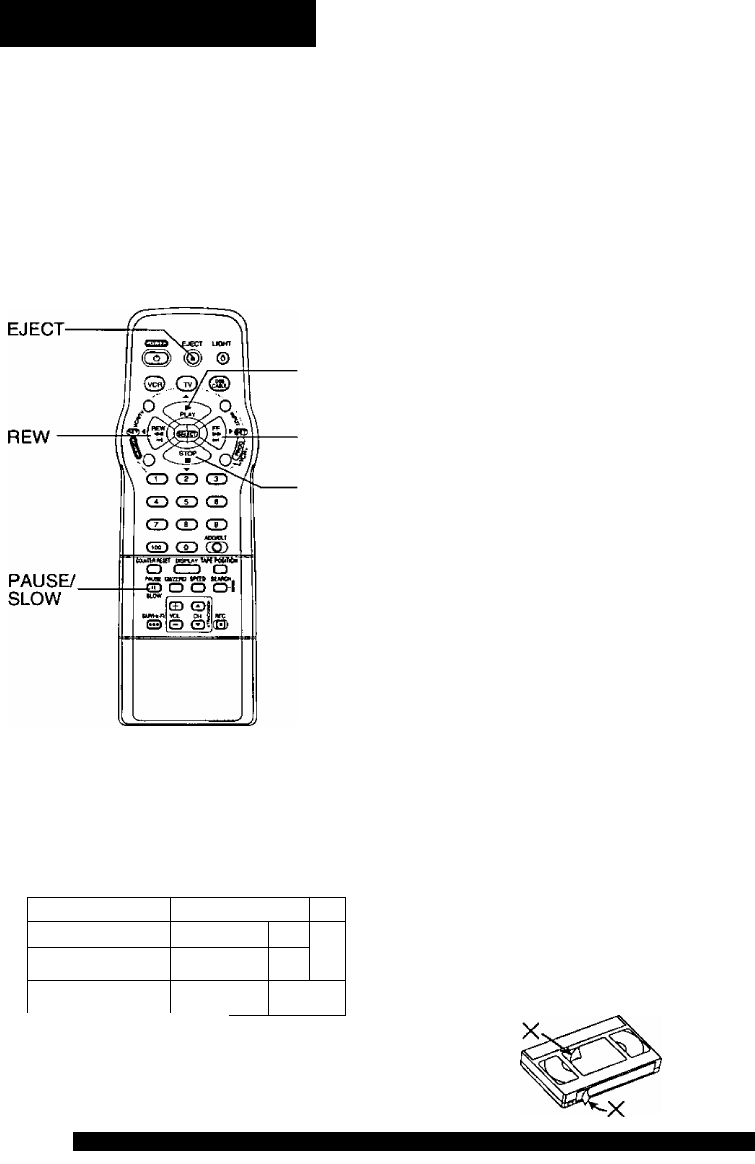
- Playback a Tape 14
- AT, or number keys 15
- Ready Check List 15
- Timer Recording 16
- To cancel a Timer 17
- Recording in progress 17
- To Replace program 17
- To Clear program 17
- VCR Plus+ System is 18
- VCR Plus+ Programming 19
- ¡-Brand Control Feature 20
- Cable Box Brand Code Numbers 21
- DSS Brand Code Numbers 21
- Advanced Connections 22
- Connection 23
- Tape Operation 24
- > Tape end 25
- (^DETECTING TAPE POSmOwJ 26
- ' ' 27
- Copying Your Tapes (Dubbing) 28
- I A UT O i 29
- I RE MOTE y 29
- A / ▼ buttons 31
- On-Screen Displays (OSD) 32
- Before Requesting Service 33
- Service Center List 34
- Warranty 35
- Spanish Quick Use 36
- X —г — 6 37
- T ttden p 37
- :л 9 FUAP i 37
- Now Jersey 07094 38
- Puerto Rico 00985 38
Related products and manuals for Video recorders Panasonic OMNIVISION PV-V4611
 (21 pages)
© 2020, manymanuals.com. All rights reserved. | 0.043 s |
 Manymanuals.com
 Manymanuals.de
 Manymanuals.fr
 Manymanuals.it
 Manymanuals.pl
 Manymanuals.cz
 Manymanuals.es
 Manymanuals-pt.com
Comments to this Manuals